Choose a service or area
Start with a branch area, service category or guided introduction.
 By Digital Apple
Explore branch services, practise customer conversations or show how financial technology supports a service request.
Find the right service desk before a visit and see where a customer can speak privately with an adviser.
Practise opening a customer conversation, clarifying the request and handing it to a specialist.
Review customer circulation, counter positions and waiting space before changing a branch layout.
From a service question to an approved guide
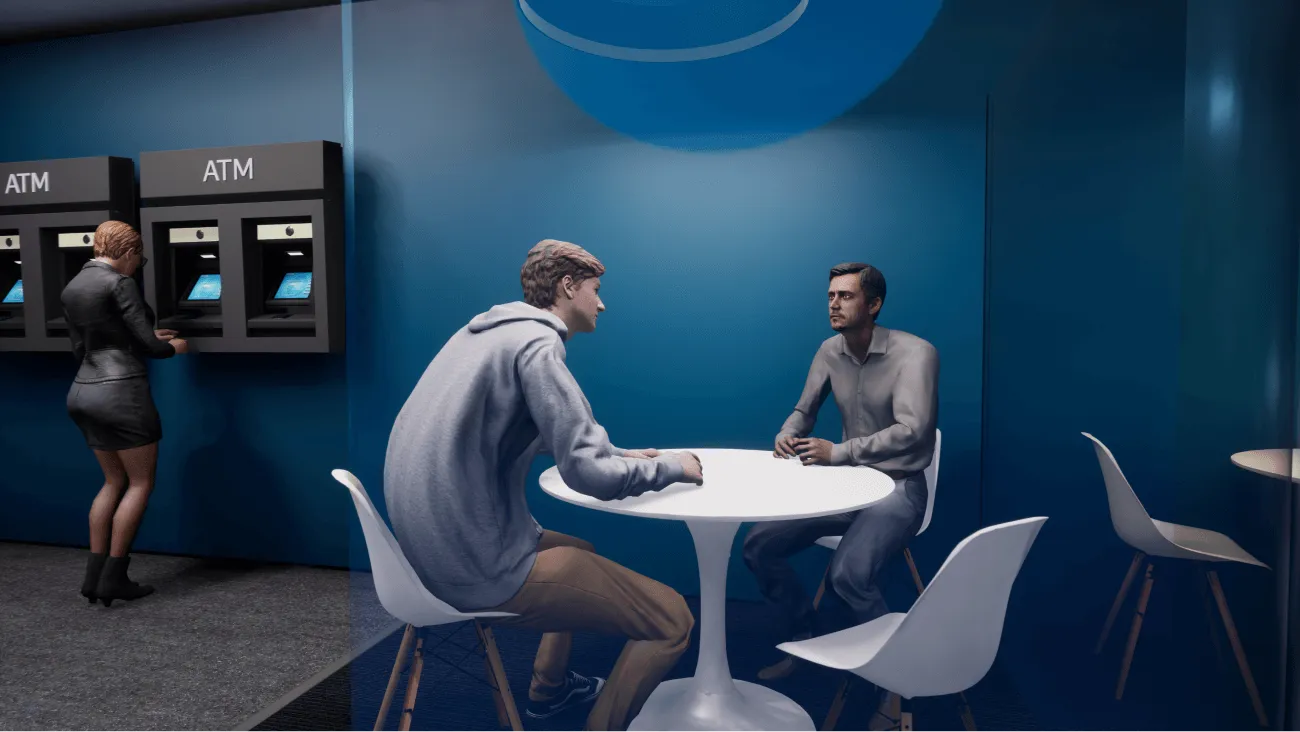
Explain financial technology and services through an interactive customer or staff journey.
Explore solutionPresent branch equipment and service technology with relevant specifications and demonstrations.
Explore solutionHelp teams practise selected service conversations and operational tasks with feedback.
Explore solutionExplore branch layouts and workflows, with selected source information where required.
Explore solutionConnect capabilities, service stories and technology demonstrations for customers and partners.
Explore solutionLet buyers view supported branch equipment models in their surroundings.
Explore solutionUse spatial immersion for selected branch reviews and staff training activities.
Explore solutionConnect branch and service locations with relevant 3D experiences.
Explore solutionA customer can find service information, a buyer can examine technology and a staff member can practise a conversation. Give each audience a route to the relevant detail.
Start with a branch area, service category or guided introduction.
See how the customer, staff and systems connect across the selected workflow.
Open a demonstration, equipment view or approved resource.
Contact your team, follow an approved service link or complete a training activity, where included.
We develop the environment, story and interactions with reviews from your service, product, training and information owners.
Agree the audience, service or technology to show, and what people need to understand or practise.
Assess brand guidelines, layouts, product information, approved service content and existing models. Identify what may be public.
Plan the service story and interactions. Review a representative area or scenario with your team.
Create the environment, demonstrations and content. Your specialists review the process, wording, technical behaviour and claims.
Check on agreed devices, resolve feedback and confirm access, hosting, content review, reporting and future updates.
Banks and insurers can introduce services, explain customer journeys and train staff. Fintech and solution providers can demonstrate equipment, software or services in a representative setting. Each experience is designed around a defined audience and approved content.
Yes. A digital branch can connect service areas, approved resources and contact routes. Visitors can follow a guided story or explore the topic relevant to them. Working account functions or transactions require separate systems and an agreed integration.
Yes. A scenario can show the steps, roles and documents involved in a defined service. We use approved examples and distinguish a visual demonstration from a working application. Your service specialists review the process and wording.
Teams can practise selected customer conversations and operational tasks, with decisions and feedback. Your training specialists supply the approved procedure and assessment criteria. We design the activity around those objectives and its role in your training programme.
Yes. Models, animations and interactive sequences can explain equipment, software and system handoffs. Supporting technical information sits beside the relevant step or model. Your product specialists validate the details and demonstrated behaviour.
Examples include finding approved service information, flagging missing fields in a sample document and reviewing branch-equipment service information. We show the sources, suggested output and staff review. Your team validates the behaviour; connecting an operational AI service is scoped separately.
Selected connections can be assessed where suitable interfaces, permissions and environments are available. We agree the required functions and access controls with your team. Public demonstrations can use sample information without a connection to customer accounts or production systems.
Public examples use approved sample data. We agree which layouts, process details and documents can be shown and what needs restricted access. Real customer or account information is not needed to explain a representative service journey.
Your organisation supplies or approves the service information, process and claims. We include content reviews during development and agree how future changes are maintained. The experience presents your approved material; it does not establish product eligibility or provide personalised financial recommendations.
No. Tours and demonstrations can run in a web browser. VR can be considered for selected spatial reviews and training tasks. We agree computer, tablet, mobile and headset support around the audience and intended use.
Share your brief and available plans, photos, product information or approved service material. Existing CAD or 3D assets may help, but we can create the required models and content. We review what can be reused and identify any gaps with your team.
The main factors are the environment, content, models, interactions, access and integrations required. We review the brief and provide deliverables, pricing and timing. Reporting can track relevant actions such as resource views, enquiries or training completion. Hosting and content updates are agreed before launch.