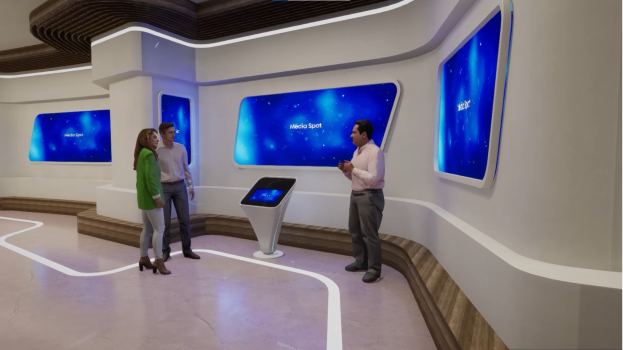
A virtual showroom built for your buyers
Build your virtual showroomShow products in context
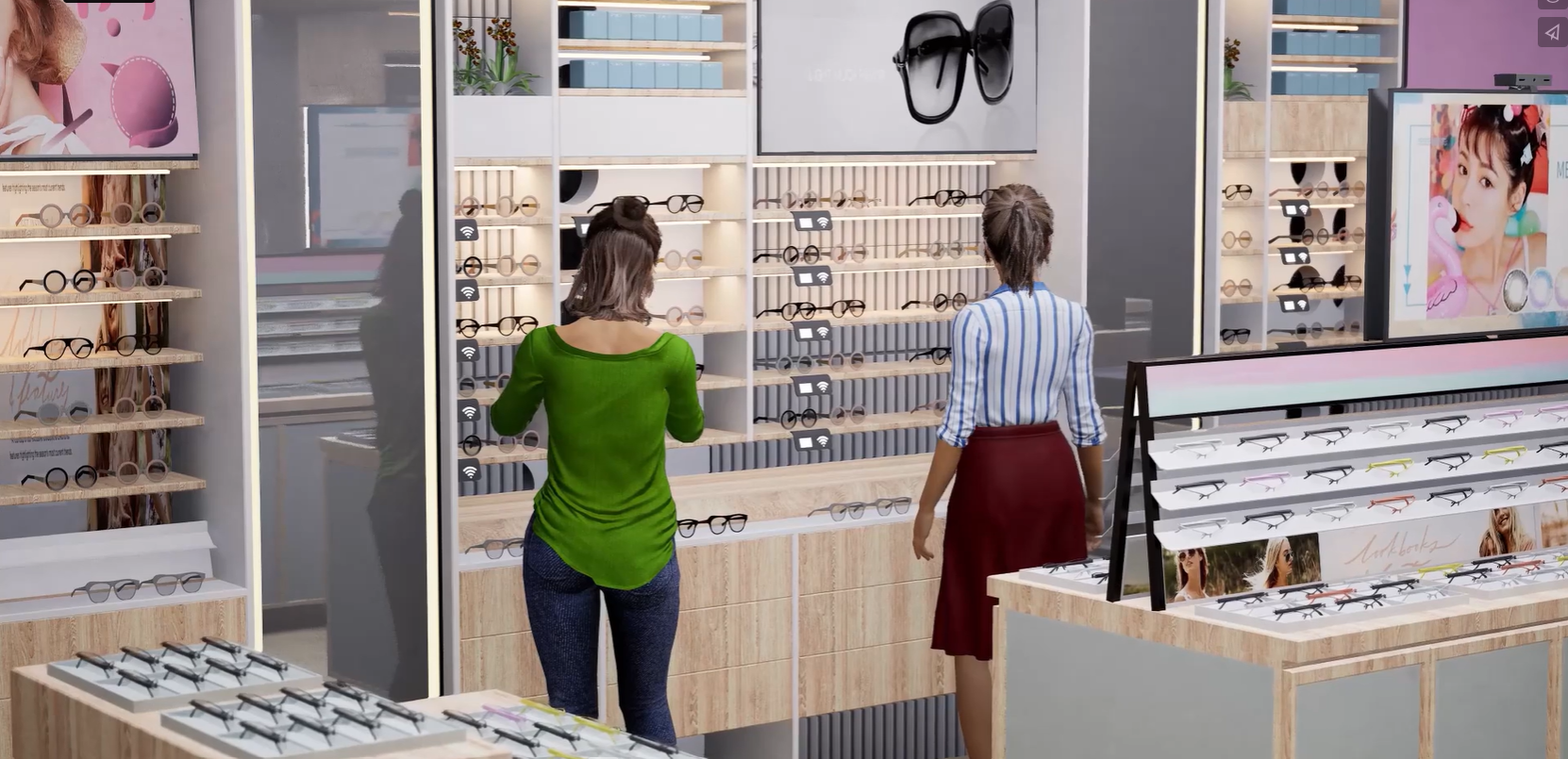
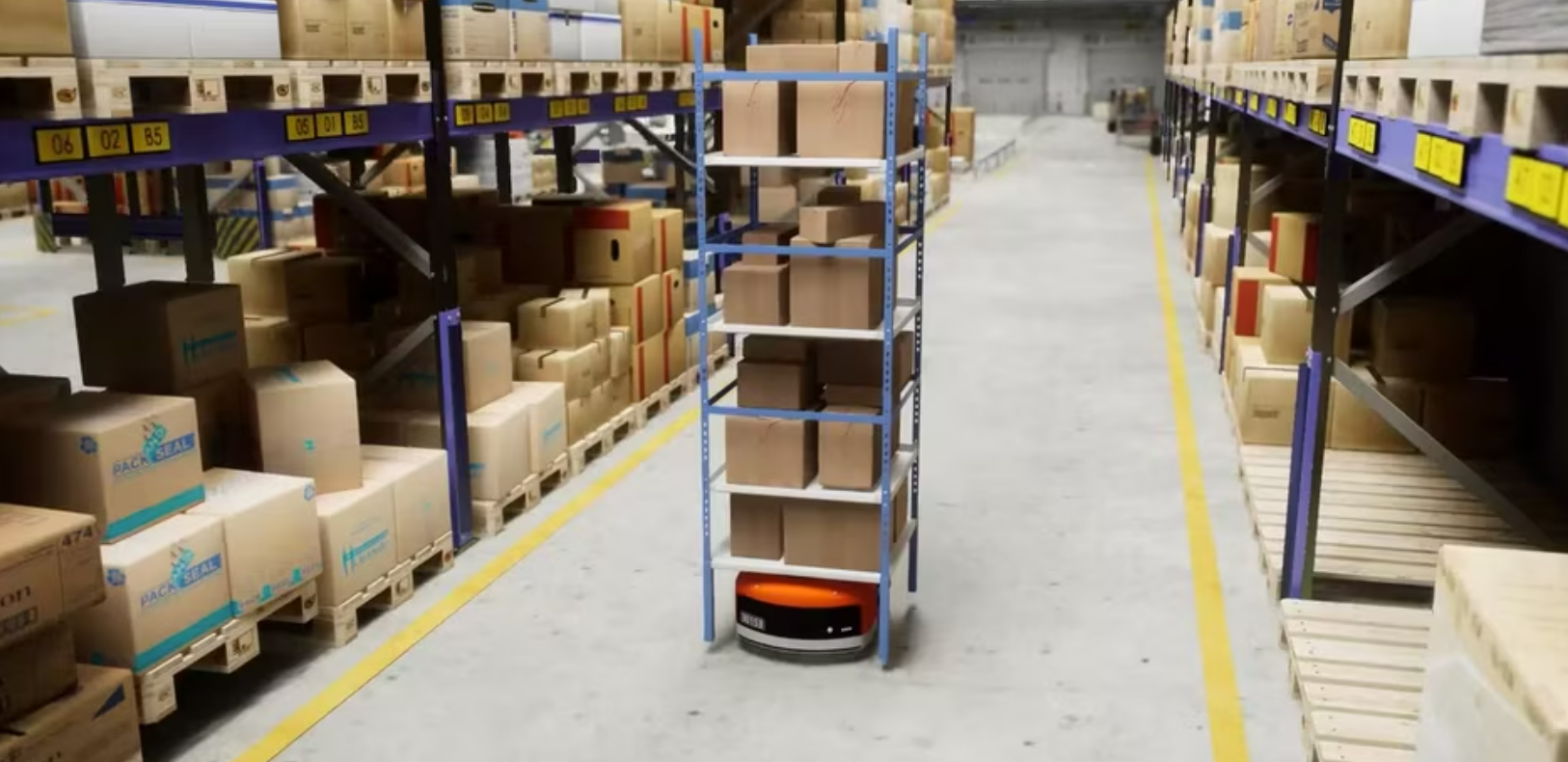
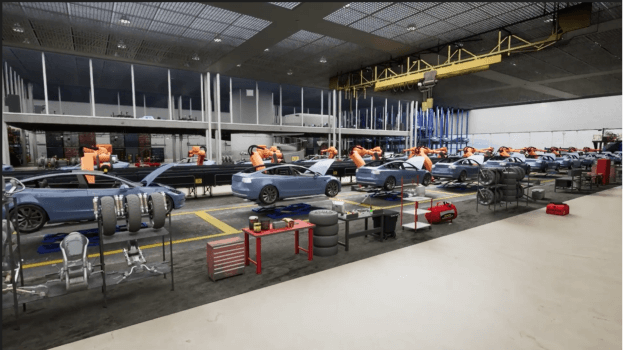
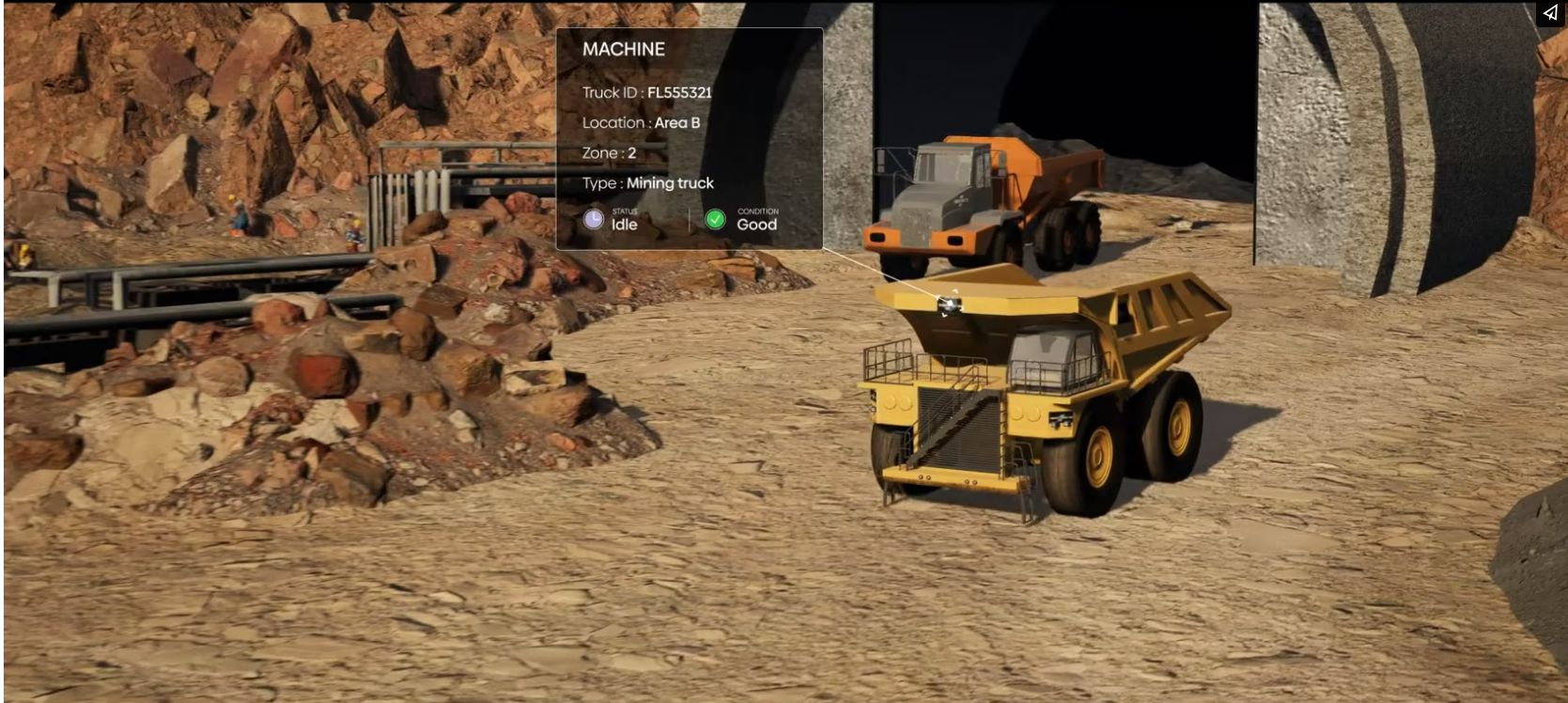
A virtual showroom is a browser-based 3D space where buyers can explore products in a relevant setting, inspect details and open demonstrations. It can bring equipment, medical devices, vehicles, retail ranges or interiors into the context buyers need to understand.
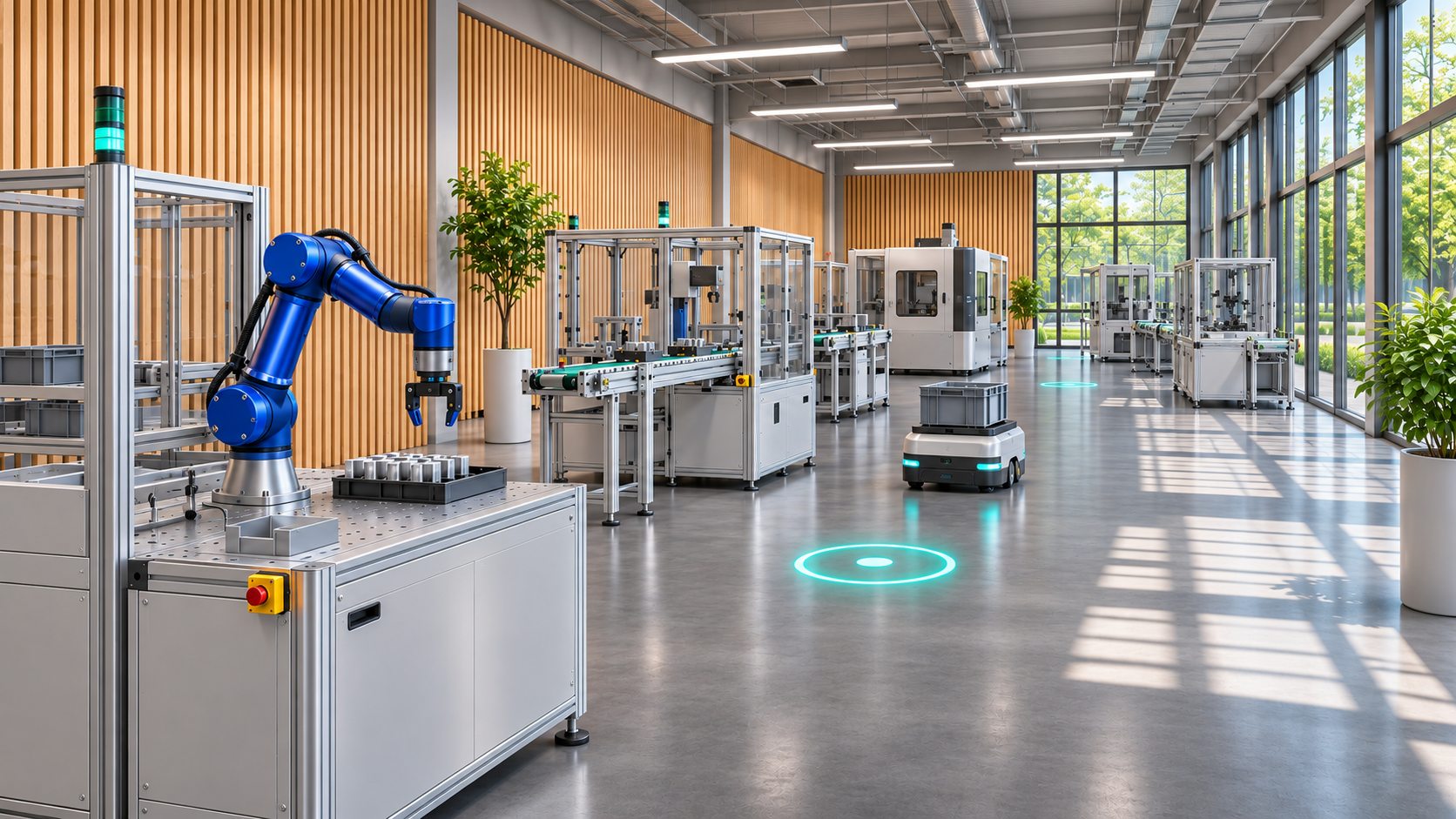 Robot workcell
What buyers can do
Find the right setting
Follow a guided route, use a floor map or jump straight to a room, application or product category.
Explore the range
Browse products by category or application and see how they fit the selected setting.
Inspect the details
Rotate and zoom supported 3D models, explore variants and examine features that are hard to show in a brochure.
See how it works
Open approved demonstrations, specifications, videos and brochures beside the product.
Keep a shortlist
Where included, compare products and save those worth discussing, with links to the supporting material.
Start a better conversation
Request a demonstration with selected products and questions attached, so your team can pick up where the visit left off.
One showroom, across the sales journey
Use the same approved product experience for independent research, guided presentations and partner-led discussions.
Website and campaigns
Link from your website or campaign to a self-guided showroom. Visitors can explore the range and enquire about the products that interest them.
Sales meetings
Take a buyer through selected products on screen, then open specifications and demonstrations as questions arise.
Events and exhibitions
Show a wider product range without bringing every item to the stand. Run the showroom on a display or tablet; an offline edition can be scoped if needed.
Partners and distributors
Give partners the approved showroom, demonstrations and specifications for their own customer presentations.
How we create your virtual showroom
- 1
Objective alignment
Define the audience, products and questions the showroom needs to answer. Existing product material provides the starting point.
- 2
Product and room assets
Prepare or refine the product models, spaces and approved content needed for an accurate, fast-loading experience.
- 3
Showroom design
Map the spaces, navigation and product stories into a journey buyers can follow naturally.
- 4
Development
Build the browser experience: room navigation, product inspection, media hotspots and a route to enquiry.
- 5
Integrations
Connect the showroom to your website, product data, CRM or analytics where the project calls for it.
- 6
Test and launch
Your team reviews product accuracy and the visitor journey. After testing on agreed devices and resolving feedback, the showroom goes live.
- 7
Train and support
Hand over the agreed assets and editing guidance. Hosting, content updates and ongoing support can be included in the scope.
Ask about the product while you explore
An optional AI guide answers questions using approved product material, in the context of the space the buyer is exploring.
 Photoelectric barrier · Robot cell
Photoelectric barrier
Why us?
One team across the experience
Strategy, 3D production, content, interface design and development come together in one delivery plan.
Built for the buying decision
The journey starts with what buyers need to understand, from a product’s role in the setting to the details behind it.
Product accuracy at every step
Your team reviews the models, demonstrations and technical content before the showroom is published.
Support after launch
Hosting, content updates and technical support can be included, so the experience can keep pace with your range.
FAQs
What is a virtual showroom?
A virtual showroom is a browser-based experience that lets buyers explore products in a relevant setting. They can move between spaces, inspect products and open details without installing an app or using a headset.
What products can a virtual showroom feature?
We can build a journey around a product range, such as industrial equipment, medical devices, vehicles or retail goods. The spaces and interactions depend on what buyers need to understand before they speak to sales.
How is a virtual showroom different from an online catalogue?
A catalogue lists products. A showroom places them in context and lets buyers explore features, applications and approved demonstrations. It can link to your existing catalogue or commerce site.
Which features can we include?
Options include room navigation, a floor map, 3D product inspection, information hotspots, guided tours, comparisons, shortlists and enquiries tied to selected products. We agree the feature set and accessibility route before development.
Can the showroom sit on our website?
Yes. It can open from your site or be embedded where the page design and loading performance allow. We plan the route into the showroom, analytics and return to your website as part of the implementation.
Can it connect to our product catalogue or CRM?
Where needed, the showroom can draw on product data and pass selected products or enquiries to your sales systems. The approach depends on your platforms, permissions and the integrations agreed for the project.
What if we do not have 3D models or complete product material?
Share what you have: CAD files, photographs, drawings, brochures or product references. We assess what can be reused, what needs creating and the level of detail required before we quote the work.
How long does a virtual showroom take to build?
The schedule depends on the number of products and spaces, available assets, interactions, integrations and review rounds. We set a timeline once those decisions are made.
Do visitors need a VR headset?
No. Buyers can use the showroom in a supported web browser. We plan touch navigation for agreed devices and an accessible product catalogue for visitors who cannot or prefer not to use the 3D view.
Will it work on phones and tablets?
We design and test for the devices and browsers agreed in the project. Touch navigation, model detail and loading performance are planned around those devices, with a non-3D product route where required.
How much does a virtual showroom cost?
Cost depends on the environment, product models, content, interactions, integrations and ongoing support. We can start with one representative space or product group and expand after review.
How do buyers move through the showroom?
They can follow a suggested route or jump to a room, application or product category. A floor map and shortcuts can make the journey easy to navigate; visitors do not need an avatar.
Can buyers save products and request a demonstration?
Yes, if those features are included in the project. A shortlist can collect products of interest and carry that context into a demonstration request.
What do we receive when the showroom launches?
You receive the agreed browser experience, approved product content and guidance for the editing tools in scope. Hosting, analytics access, maintenance and future updates are set out in the delivery agreement.
Can we update products after launch?
Yes. Product text and media can be managed through the editing approach agreed for the project. Adding new 3D models, spaces or interactions may require additional production work.
How can we measure showroom engagement?
Analytics can capture agreed actions such as room visits, product views, media plays and enquiries. We define the events, reporting access and consent requirements before implementation.
Can an AI guide answer product questions?
An optional AI guide can answer from approved product material, direct visitors to relevant products and open useful resources. We define its source content, limits and sales handoff before adding it.