Choose a starting point
Enter through a facility, service, product or part of the logistics network.
 By Digital Apple
Tour a distribution hub, practise warehouse tasks or demonstrate how equipment and software coordinate a shipment.
Guide prospects through receiving, storage, quality checks and dispatch. Show where cargo is handled and how the facility supports your service.
Give warehouse teams a setting to practise picking, handling and equipment procedures. Let learners make decisions and get feedback based on your operating instructions.
Compare warehouse layouts, yard movements or distribution routes in 3D. Use a digital twin where equipment, site or operating data is needed for the review.
Review a suggested warehouse route when a forklift and a mobile robot need the same aisle.
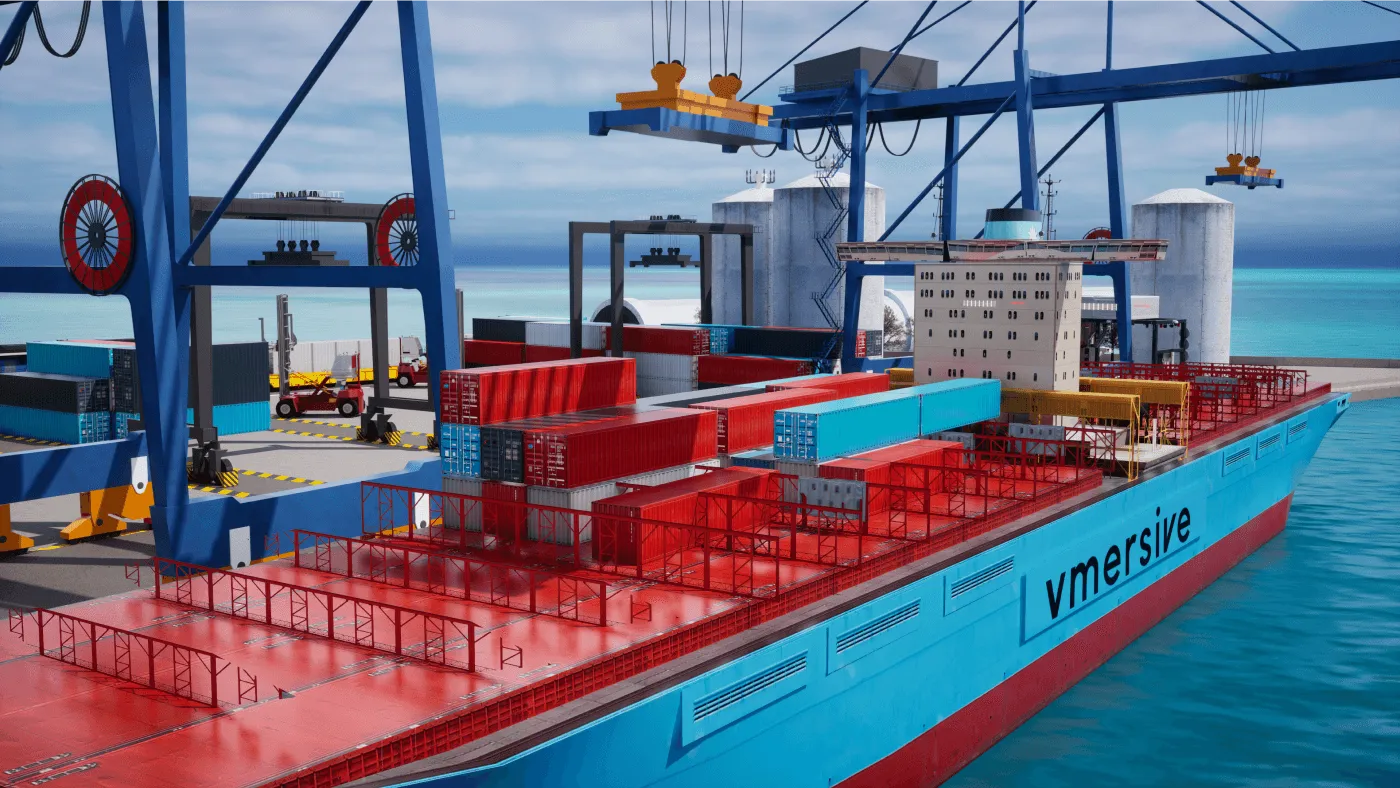
Explain logistics equipment, software and AI through an operation buyers can explore.
Explore solutionPresent handling equipment, automation and storage systems in the setting where they work.
Explore solutionHelp teams practise warehouse tasks and equipment procedures with feedback.
Explore solutionExplore facilities and workflows, with operational data where useful and available.
Explore solutionConnect your capabilities, service network and technology demonstrations in one destination.
Explore solutionLet buyers view supported 3D equipment models in their own surroundings.
Explore solutionUse a headset for spatial reviews, equipment demonstrations or task practice.
Explore solutionConnect hubs, routes and service locations with the stories behind them.
Explore solutionA customer can follow a guided story or explore a specific question. Training journeys add tasks, decisions and feedback for the learner.
Enter through a facility, service, product or part of the logistics network.
Trace goods and information through receiving, storage, movement and dispatch.
Explore equipment, open a demonstration or read the supporting technical material.
Ask a question, open a relevant resource or send an enquiry, where included.
One team brings the story, 3D assets and interactions together. We can adapt suitable existing models or create a setting around your operation.
Agree the audience, the operation or solution to show, and what people need to understand or practise.
Use your layouts, equipment information, photos, videos and procedures to establish what already exists and what to create.
Map the spaces, handoffs and interactions. Review one representative journey before extending the experience.
Develop the environments, models and content. Your operations and product specialists check the details as the work progresses.
Test on agreed devices, resolve feedback and prepare for launch. Confirm handover, hosting, updates and support.
Operators can offer warehouse tours, explain service capabilities and train teams. Equipment and technology providers can demonstrate automation, software, connectivity and AI in a relevant logistics setting. The experience helps people understand the operation and inspect the detail behind the offer.
No. Share what you have: an idea, warehouse photos, layouts, equipment information or video. We can help visualise the concept and create the models and content needed. Existing CAD or 3D assets can provide a useful starting point.
We can recreate a facility from your references or use a prebuilt environment for a representative demonstration. Maps can connect hubs, routes and service locations. The approach depends on whether people need to see your actual site, understand a network or explore a typical operation.
Yes. We can show how a warehouse management system, tracking platform, sensor or robot supports a workflow. Buyers can follow the information and actions involved. Demonstrating the workflow does not require connecting to a production system; a working integration is a separate requirement.
Yes. Route suggestions, shipment exceptions and worker assistance can be explained through an example with clear inputs, outputs and human decisions. Your team validates how the solution behaves. A live AI model or service can be considered when an approved connection is available.
Yes, where suitable systems and access are available. We agree which information users need, how it will be obtained and how access should be controlled. A connected view needs reliable source data; a visual tour or demonstration can work without it.
Yes. Environments and equipment models can often be reused, with different activities for each audience. A customer may explore a service or product; a learner may need to complete a task, make a decision and receive feedback.
No. Tours, showrooms and demonstrations can run in a web browser for use on websites, in meetings or at events. VR suits selected spatial reviews and training tasks. We agree computer, tablet, mobile and headset support around the intended use.
Your specialists review the layouts, handling sequences, product behaviour and claims during development. We agree what can be shown publicly and what needs restricted access. Sensitive customer, shipment and system information should be replaced with approved sample material for a public demonstration.
The main factors are the environments, equipment models, content, interactions and system connections required. A focused warehouse demonstration needs different work from a network experience or training programme. We review your brief and provide deliverables, pricing and a schedule.
Sales measures can include facility visits, product views, demonstration starts, document opens and enquiries. Training measures may include completion and assessment results. We agree the analytics and reporting around the purpose of the experience.