Choose a range or area
Start with a product category, store department or guided story.
 By Digital Apple
Explore how retailers use 3D to showcase products and train store teams, and how technology providers demonstrate their solutions in a store setting.
Let shoppers explore a collection, compare variants and follow a product through to your online store. An optional AI guide can answer questions from your catalogue.
Let shoppers rotate a product, inspect its features and compare finishes before choosing a configuration.
Help shoppers judge size and style. They can preview furniture in their room or try on eyewear using a compatible device.
Give associates a place to practise product advice, checkout and click-and-collect, including how to handle a missing order.
Let merchandising teams compare layouts, fixtures and product displays before moving fixtures. Teams can also review an AI-suggested arrangement against the original plan.
Show how an AI shelf alert prompts an associate to check stock and decide whether to refill a display.
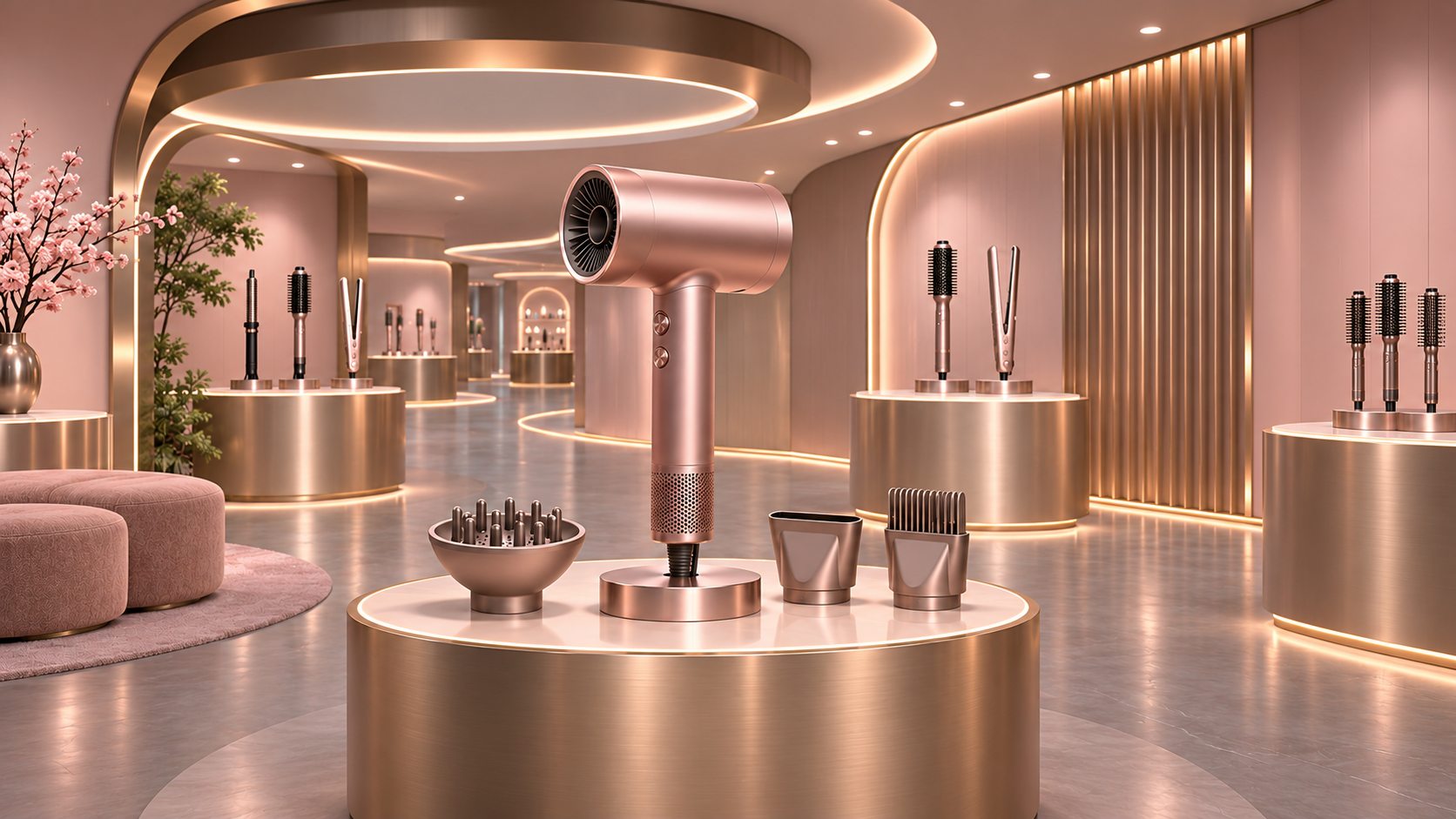
Explain products, services and retail technology through interactive store journeys.
Explore solutionPresent product ranges, variants and equipment with useful detail and enquiry routes.
Explore solutionHelp store teams practise selected interactions and operational tasks with feedback.
Explore solutionExplore store layouts and assets, with selected operational information where needed.
Explore solutionConnect brand stories, product ranges and technology demonstrations in one destination.
Explore solutionLet shoppers view supported product models in their own surroundings.
Explore solutionReview spatial arrangements or practise selected store tasks through a headset.
Explore solutionConnect store locations, facilities and service areas to relevant 3D views.
Explore solutionA shopper can inspect a product, a buyer can follow a technology demonstration and an associate can practise a task. Shape each journey around the relevant next step.
Start with a product category, store department or guided story.
Move through displays and see products or technology in context.
Open variants, specifications, demonstrations or approved resources.
Ask for help, follow a purchase link or complete a training task, where included.
We develop the store, product content and interactions together, with reviews from your brand, retail and technology specialists.
Agree the audience, product range or workflow, and the actions the experience needs to support.
Assess brand guidelines, store layouts, product information and existing models. Identify variants, source systems and content gaps.
Plan navigation, product views and interactions. Review a representative display or workflow with your team.
Create the environment, models and content. Your specialists check product details, branding and solution behaviour.
Check on agreed devices and resolve feedback. Confirm hosting, catalogue updates, integrations and reporting.
They can create virtual stores, explain products, review merchandising ideas and train staff. Retail technology and service providers can demonstrate their offer through a store workflow. The experience is scoped around the audience and the action they need to take.
Yes. Selected models can include close-up views, approved colours or configurations, specifications and supporting media. We agree which details matter and how they will be maintained. Detailed product interaction requires suitable models and source information.
Yes. Product links can lead to existing product pages or checkout journeys. Catalogue, price, availability and cart connections require suitable interfaces and a separate integration scope. A visual store can also work as a discovery experience without an embedded checkout.
Supported models can be prepared for a companion WebAR experience on compatible devices. We assess product scale, materials and model suitability. Fit, sizing and compatibility claims need their own validated method and evidence.
Yes. A 3D environment can show proposed displays, product arrangements and service areas. Your team reviews the dimensions and content needed for the exercise. Operational analysis or simulation needs suitable source data and its own scope.
Associates can practise selected customer interactions, product explanations and operational tasks. Your training specialists define the approved workflow, decisions and assessment criteria. We design the activity and feedback around those objectives.
Examples include checking a display gap against inventory, retrieving product information and reviewing a merchandising suggestion. We show the source information, suggested output and human review. Your team validates the behaviour; operational AI requires an agreed connection.
No. Product photos, drawings, specifications and brand material can provide a starting point. Existing CAD or 3D assets may be reusable after review. We agree the modelling detail, variants and permissions required for the experience.
Where suitable systems and permissions are available, selected data connections can be scoped with your team. Public demonstrations can use approved sample information. Personalisation, analytics and access requirements are agreed around the intended audience and use.
No. Stores and demonstrations can run in a web browser. VR is an option for selected spatial reviews and training tasks. We agree computer, tablet, mobile and headset support around how the experience will be used.
The main factors are the store size, product models, variants, content, interactions and system connections. We review the brief and provide deliverables, pricing and timing. Catalogue updates, hosting and reporting are agreed before launch; measures can include product views, outbound clicks, enquiries or training results.