Immersive training built around real tasks
Make practice feel like the real thing.
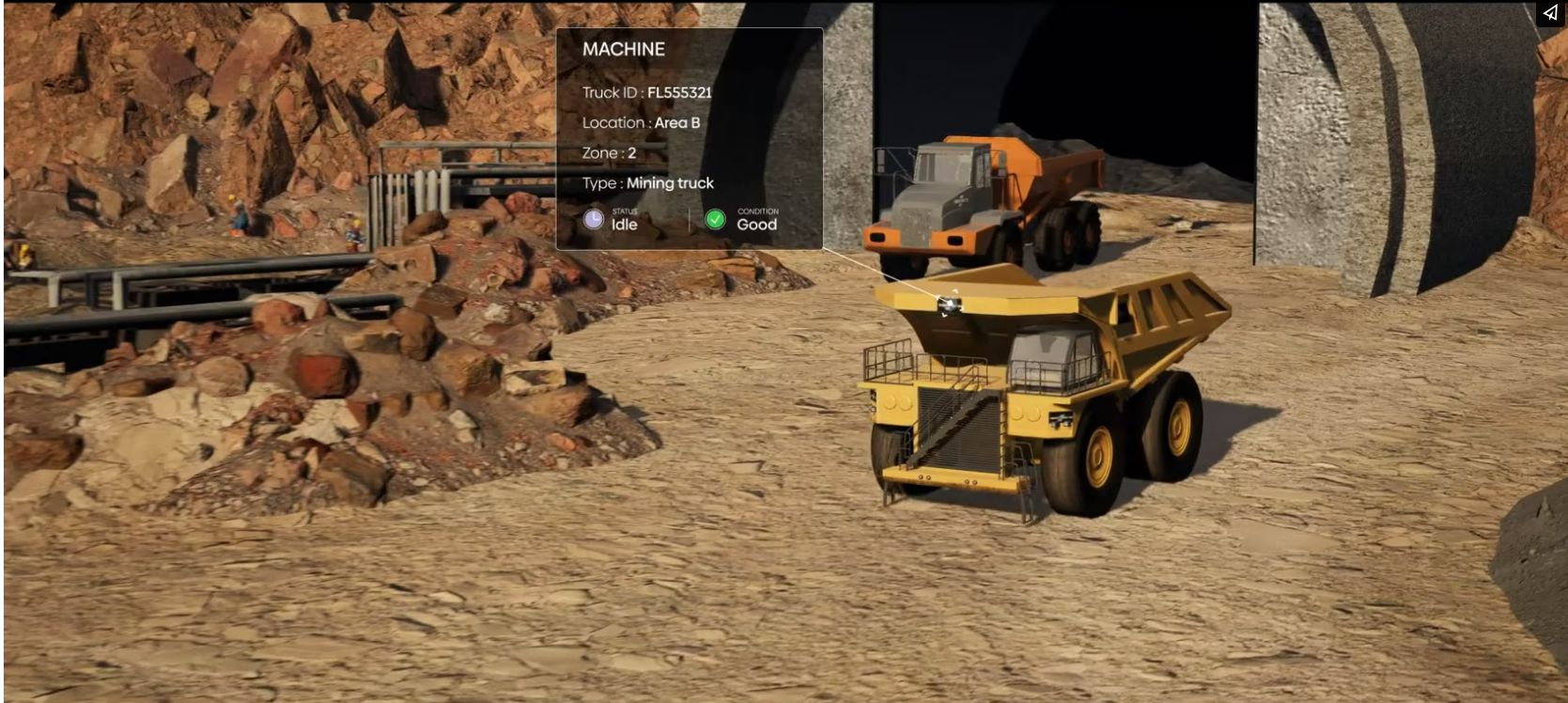
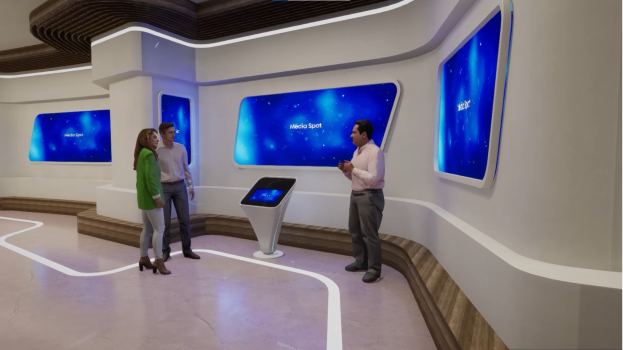
Put learners inside a realistic version of the work. They can explore the setting, interact with equipment, make decisions and see what follows. Each scenario is shaped around your procedures and learning goals, so people can practise before they face the task for real.
Training for the moments that matter
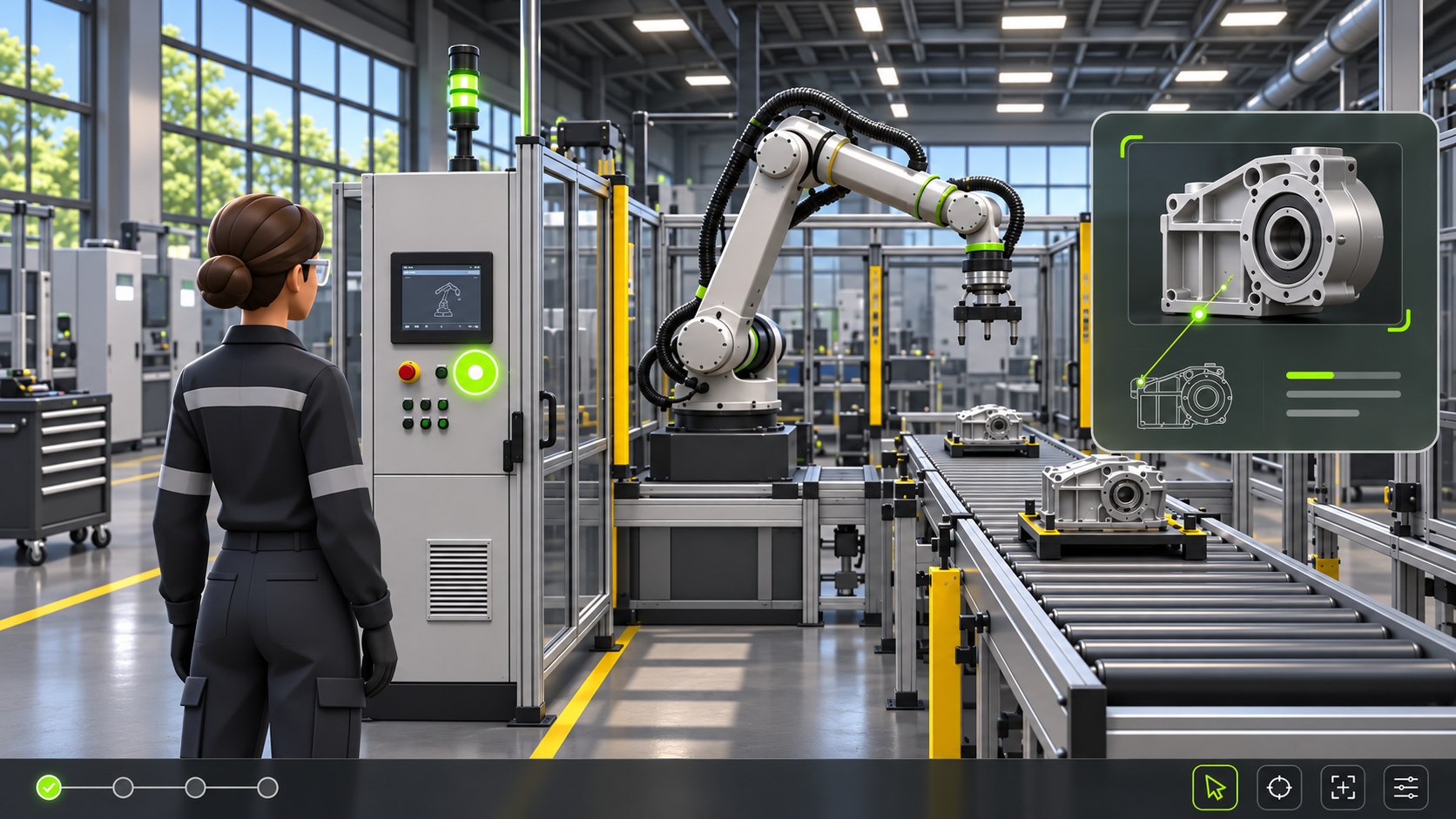
Learn by doing, not just watching
A learner moves through the situation, acts on what they see and gets a chance to improve. The route can include guided exploration, practice and assessment, depending on the task.
Enter the setting
Explore a realistic workplace, examine the equipment and understand the task ahead.
Try the task
Follow a procedure, handle an interaction or choose how to respond when conditions change.
Learn from the outcome
See what your choice changes and receive feedback grounded in the approved procedure.
Build confidence
Repeat the scenario, test another approach and apply what you have learned.
How we create your immersive training
From learning objectives and existing material to a tested experience your team can deliver and update.
- 1
Align on the learning goal
Define the audience, the task to practise, required languages and what successful performance looks like.
- 2
Gather the source material
Review procedures, recordings, existing modules and presentations with your subject matter experts. Identify what can be reused and what needs to be created.
- 3
Design the scenario
Storyboard the learner route, decisions, interactions, feedback and assessments. Turn the source material into an active learning experience.
- 4
Build and simulate
Create or adapt the 3D setting, then develop the equipment interactions, animations and simulations needed to practise the task.
- 5
Connect your systems
Where required, plan single sign-on, learning system integration and the data needed for reporting.
- 6
Test and launch
Check content accuracy with your team, test the agreed devices, gather learner feedback and refine the experience before release.
- 7
Enable your team
Hand over the agreed tools and guidance for content updates and learner reporting, with ongoing support where scoped.
Answers in the moment of practice
An optional AI trainer can help a learner understand the next step while they are still inside the scenario. Try a question about the equipment task below. For a live deployment, answers are designed around your approved training material.
Immersive training FAQs
What is immersive training?
Immersive training lets people practise a task inside an interactive, realistic setting. They can explore the environment, make decisions, see the outcome and repeat the scenario. The format is chosen for the learning goal.
How is it different from an interactive 3D demo?
A demo helps a buyer understand how a solution works. Training is designed around a learner performing a task, receiving feedback and meeting an agreed learning objective.
Does immersive training require a VR headset?
No. Training can be delivered through agreed web browsers and devices. A headset edition is an option when spatial practice or physical scale improves the task.
Which tasks are suitable?
Equipment operation, safety response, onboarding and customer conversations can all be suitable. The strongest candidates involve steps or decisions people benefit from practising before the real situation.
Can we use our existing training material?
Yes. Procedures, recordings, eLearning modules, presentations, images and 3D assets can all inform the scenario. We review their accuracy and reuse them where appropriate.
Can learners be assessed?
Yes, if assessment is included in scope. The experience can check decisions, task completion or knowledge against criteria agreed with your team.
Can an AI trainer answer questions during practice?
An AI trainer is optional. It can answer from approved training material and point a learner to the relevant step. Its sources, limits and responses need to be designed and tested for the scenario.
Can learners practise together?
A shared scenario can be scoped for learners and a trainer when team decisions, observation or discussion are part of the learning goal. The number of participants and devices are agreed during planning.
Can it connect to our LMS or SSO?
We can assess connections to your learning management system, learning record store and sign-in process. The integration depends on your platform, access rules and reporting requirements.
How do you measure whether it works?
We agree the learning outcome before production. Depending on the task, we can review completion, decisions, assessment results, learner feedback and relevant workplace measures. Engagement alone does not prove effectiveness.
Can the content be updated or translated?
We agree which instructions, media and language versions your team needs to manage. Editing tools, translation and ongoing support are included in the scope where required.
How do we begin and what do we receive?
Bring one task, its audience and the material you already have. We define a first scenario and agree the storyboard, 3D work, interactions, testing, deployment and handover before production.
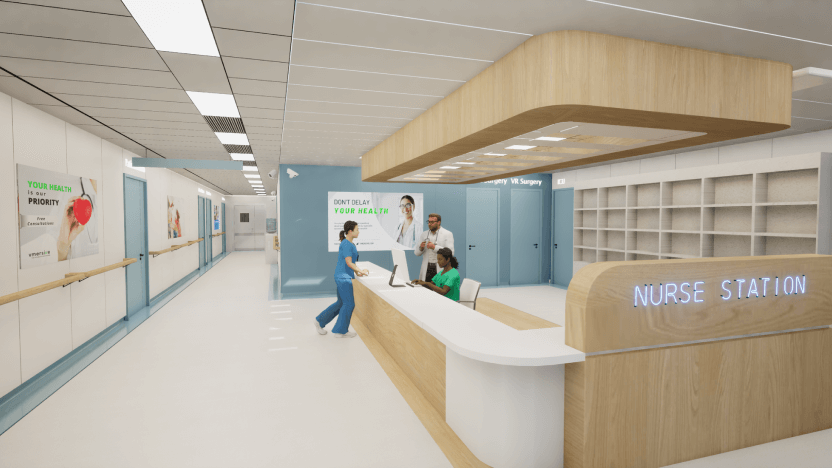
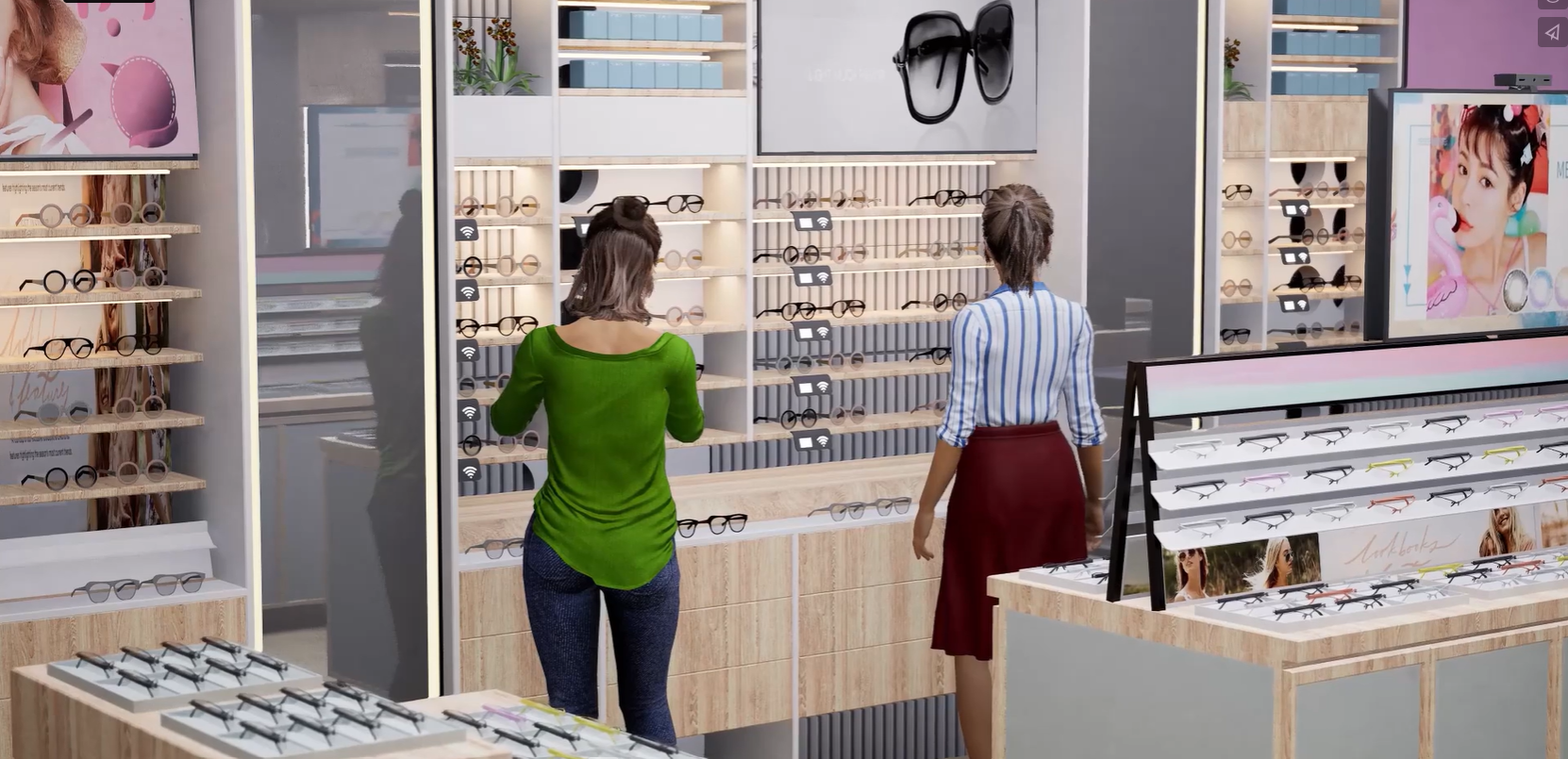
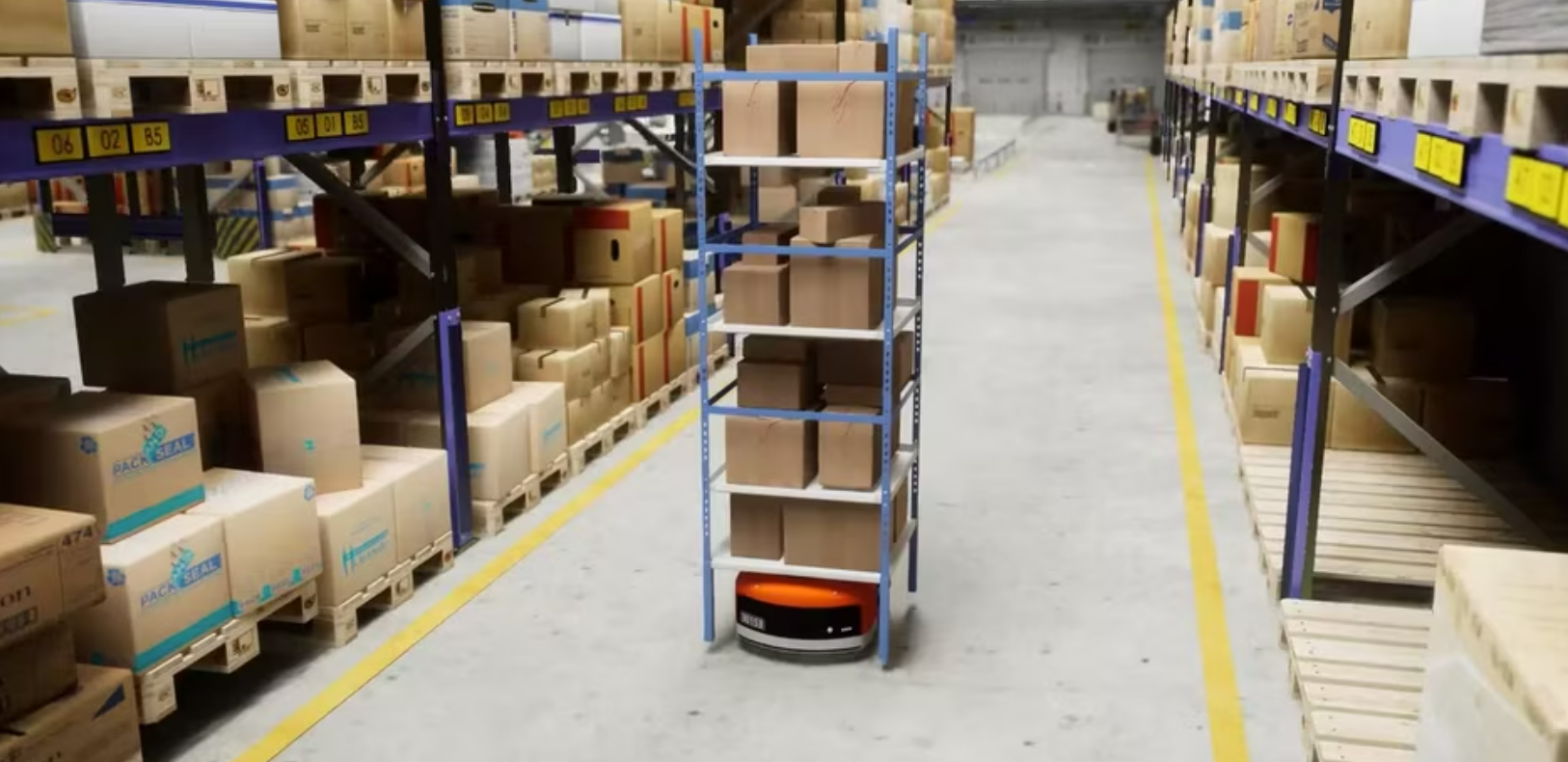
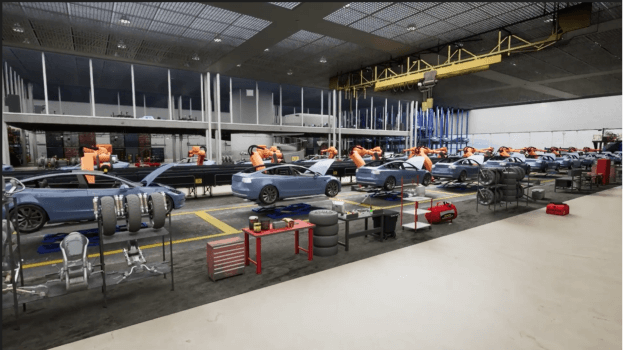
Start in a world that fits the task
Explore a selection of the 50+ prebuilt 3D worlds that can provide a starting point for a tailored training scenario.