Choose a space or topic
Start with a facility area, service, product or guided introduction.
 By Digital Apple
Use interactive 3D to introduce facilities, train teams and demonstrate healthcare and life sciences solutions. Give patients, staff and buyers a way to explore the spaces, equipment and workflows that matter to them.
Help patients, visitors and partners explore a facility before they arrive. Show where services are delivered and what to expect during a visit.
Give teams a realistic setting to practise procedures, handovers and patient conversations. Build decisions and feedback around the skills your staff need.
Show where AI can help staff review information and resolve routine exceptions. In this example, an assistant suggests SMS from a patient’s note, and reception checks the suggestion before saving it.
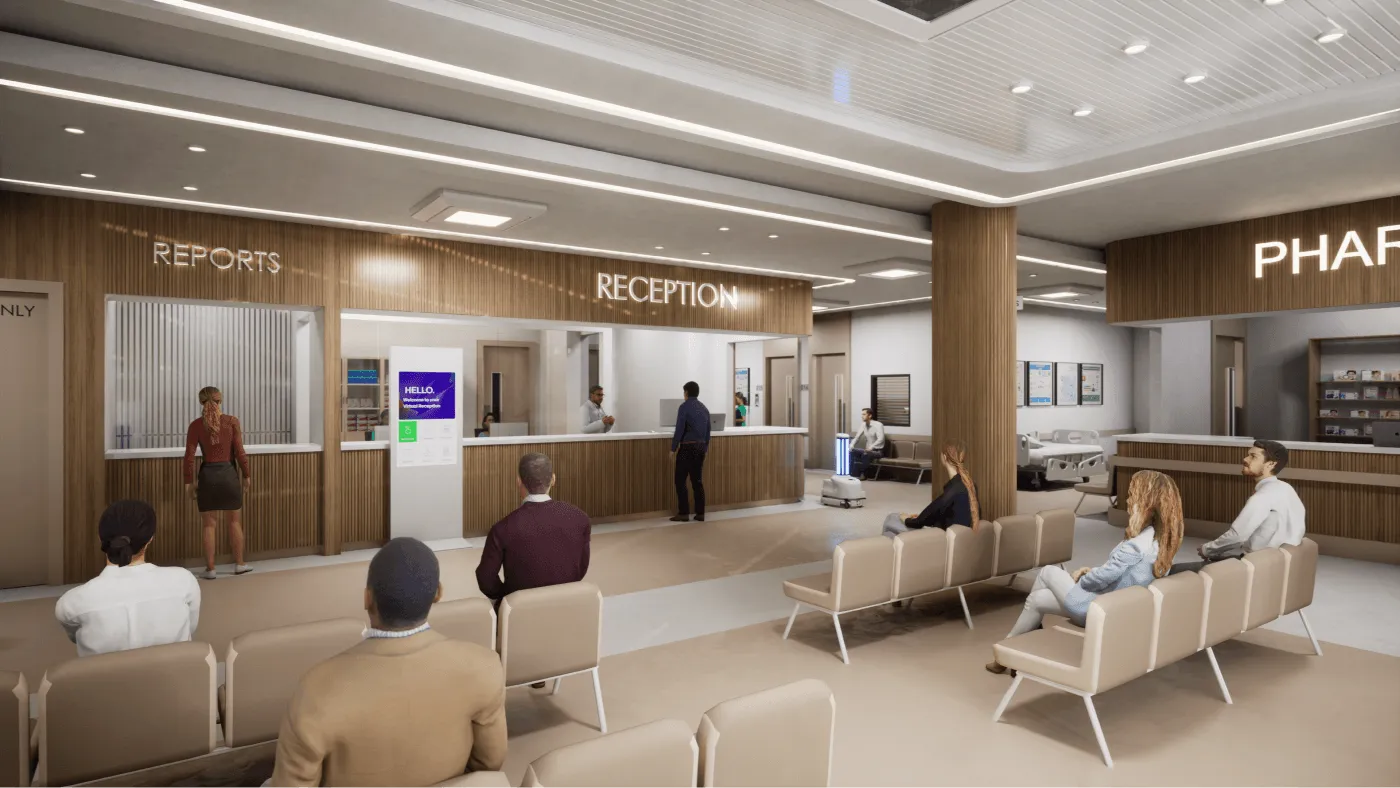
Explain equipment, services and technology through an interactive facility workflow.
Explore solutionPresent devices and laboratory equipment with approved specifications and demonstrations.
Explore solutionCreate guided practice around selected workplace tasks and learning objectives.
Explore solutionExplore facility layouts and assets, with selected source information where required.
Explore solutionConnect capabilities, equipment and innovation stories for customers and partners.
Explore solutionLet buyers view supported equipment or component models in their surroundings.
Explore solutionUse spatial immersion for selected equipment reviews and staff training activities.
Explore solutionConnect facility locations and services to relevant 3D views.
Explore solutionA visitor can explore a department, a buyer can inspect equipment and a staff member can follow a selected task. Shape each route around the information that audience needs.
Start with a facility area, service, product or guided introduction.
See how the rooms, equipment and people relate within the selected workflow.
Inspect a model, follow an approved demonstration or open supporting information.
Request a discussion, open a relevant resource or complete a training activity, where included.
We develop the space, story and interactions with reviews from your facility, product, training and subject specialists.
Agree the audience, facility or solution, and the information or practice the experience needs to provide.
Assess layouts, equipment models, approved content and workflow references. Identify what can be reused and what needs creating.
Plan the visitor journey and interactions. Review a representative area or task with your team.
Develop the models, animations and content. Your specialists review technical accuracy, wording and approved behaviour.
Check on agreed devices, resolve feedback and prepare the handover. Confirm hosting, access, content updates and support.
Healthcare organisations can introduce facilities and services, while life sciences teams can explain laboratories and selected workflows. Equipment and technology providers can demonstrate their solutions in context. Staff training activities are shaped around learning objectives supplied by your specialists.
Yes. A guided or self-directed tour can connect departments, amenities and approved service information. We agree what visitors need to see and where they can request more information. The content is reviewed by your organisation before launch.
Yes. Models can include component views, approved animations, specifications and supporting resources. Your product specialists validate the details and intended use shown. The model and interactions are scoped around what the buyer needs to understand.
Yes. Spaces, equipment and approved sequences can introduce a facility or process to staff, customers or partners. Your subject specialists define the information and review the representation. The experience can use sample material appropriate to its audience.
Your specialists provide the learning objectives, approved task steps and assessment criteria. We turn these into a 3D activity with decisions and feedback. Your organisation defines the activity’s role within its training programme and any required competency assessment.
Examples include administrative form checks, equipment-service review and retrieval of approved documents. We show the input, suggested output and staff review. Clinical AI demonstrations require your team’s approved intended use and evidence; a working AI connection is scoped separately.
No. Layouts, photos, drawings, equipment information or video can provide a starting point. We can create the required models and content. Existing CAD or 3D assets are reviewed for suitability, permissions and the detail needed on the target devices.
Where suitable systems and access are available, selected information can be connected to the relevant workflow or asset. We agree interfaces, permissions and access requirements with your team. A public demonstration can use approved sample data without an operational connection.
Public demonstrations use approved sample material. We agree which facility details and documents can be shown and what requires restricted access. Real patient or confidential research information is not needed to explain a representative workflow.
No. Tours and demonstrations can run in a web browser. VR is an option for selected spatial reviews and training tasks. We agree computer, tablet, mobile and headset support around the audience and intended use.
The main factors are facility size, model detail, approved content, interactions and integrations. We review the brief and provide deliverables, pricing and timing. Hosting, content review, device support, reporting and future updates are agreed as part of the project.