Create VR experiences people can step into
Give your audience a sense of being there
Let people step inside a product, place or process and understand it at its intended scale. A custom VR experience can reveal what lies beyond the surface, show a solution at work and invite visitors to explore through movement, interaction and spatial audio. We shape each experience around what your audience needs to understand and do next.
Where does VR add value?
From first look to lasting understanding
A buyer needs to know where to go, what to explore and what to take away. The route can be guided or self-directed, depending on the audience and setting.
Enter the setting
A short introduction establishes where you are, what you can do and how to move comfortably.
Explore at your own pace
Follow a guided route or look around freely, with spatial cues that help you find what matters.
Interact with the story
Use intuitive headset controls to open a component, try a configuration or see what a decision changes.
Take the next step
Review a summary, revisit a scene or continue the discussion with your team.
How we build your VR experience
- 1
Define the use case
Agree the audience, desired outcome, setting, session length and measures of success.
- 2
Choose the delivery format
Check whether headset VR is the right choice and agree the target devices, distribution and an alternative access route if needed.
- 3
Storyboard the experience
Map scenes, interactions, guidance, audio and any assessment or enquiry step.
- 4
Prepare the 3D assets
Review existing models, drawings, footage and brand material; create or adapt what the experience needs.
- 5
Build and review
Develop the environment and interactions, then validate content and behaviour with your reviewers.
- 6
Test on the agreed hardware
Check performance, controls, comfort and accessibility with representative users and the headsets in scope.
- 7
Deploy and maintain
Prepare the agreed distribution method, handover and plan for future content or device updates.
Ask as you explore
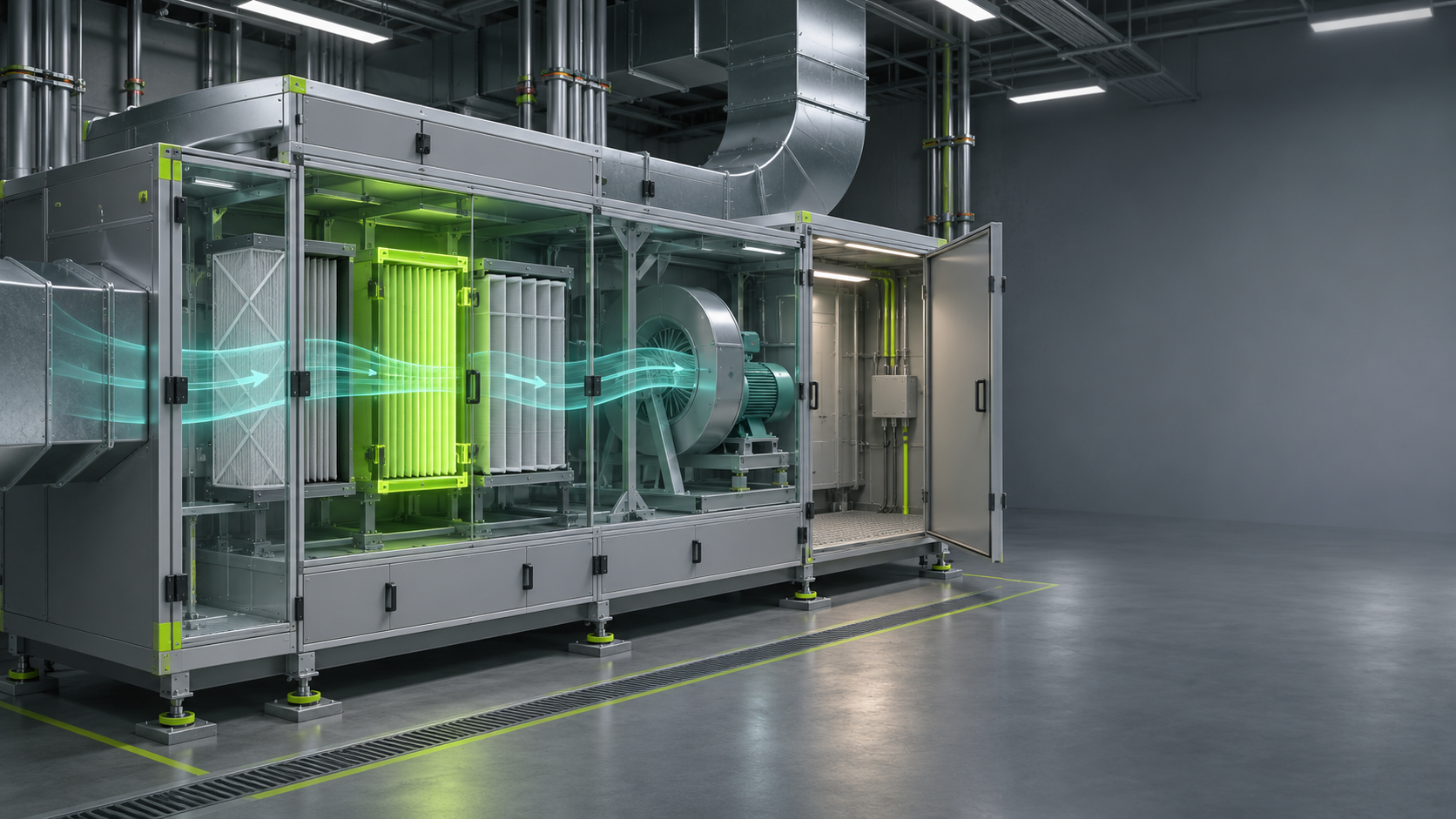
A visitor can ask about the product in front of them. The guide answers from your approved content and points to the relevant part, specification or demonstration.
 In-headset view
VR with a clear purpose
Designed around the experience
The environment, interactions, content and interface are developed as one journey, with a clear reason to use VR.
Checked with your experts
Your team reviews the product detail, procedures and spatial accuracy before the experience is released.
Built for the way you will use it
Hardware, session length, supervision and content updates are considered from the start of the project.
Support beyond launch
Handover, measurement and future updates can be included so the experience stays useful as your offer changes.
VR experience FAQs
What is a custom VR experience?
A custom virtual reality experience is an interactive 3D environment designed for a specific task, product story or place and viewed through an agreed headset. The content, controls and distribution are shaped around its audience.
When should we use VR instead of browser-based 3D?
VR is useful when full-scale viewing, spatial movement or a sense of presence is important to the objective. Browser-based 3D can be easier to share widely. We assess the audience and task before recommending a format.
How is a VR experience different from immersive training?
VR describes a delivery format. Immersive training describes a learning purpose and can run in a browser or a headset. A VR experience may be a training scenario, product demonstration, event or spatial review.
Do you supply VR headsets?
We design and develop the experience. Headset provision, device management and on-site operation are agreed separately during scoping.
Which headsets will it work on?
We select and test the target devices for each project. Compatibility depends on the experience, performance needs, software distribution and the specific hardware chosen.
Can the same content work on a website?
Some 3D assets and content may be reusable, but browser and headset interaction need different design and optimisation. A web edition is assessed and scoped separately.
What should we provide to start?
Share the goal and anything available: a brief, sketches, CAD files, photographs, videos, product details or existing 3D models. We review the material and identify what else is needed.
How do you handle comfort and accessibility?
We plan session length, movement, readable text, controls and a supported alternative route for people who cannot or prefer not to use a headset. We test the agreed design on target hardware.
Can you connect it to our systems or measure usage?
Where needed, we can assess sign-in, content, analytics or enquiry integrations. We agree what data is useful, what the platform allows and how consent and privacy requirements apply.
Can an AI guide answer questions in VR?
An optional in-experience guide can answer from approved product or project material and point visitors to relevant objects or scenes. We define its sources, response limits and route to a person during scoping.
Can we update the experience after launch?
Yes. We agree which models, media, copy or language versions your team needs to change, then scope the editing tools, handover and support required. Updates to headset software may also need compatibility testing.
How long does a VR project take and what does it cost?
That depends on the number of scenes, quality and availability of assets, interactions, target headsets and testing. We agree a storyboard, deliverables, milestones and estimate after reviewing the use case.